
 Balances & refunds
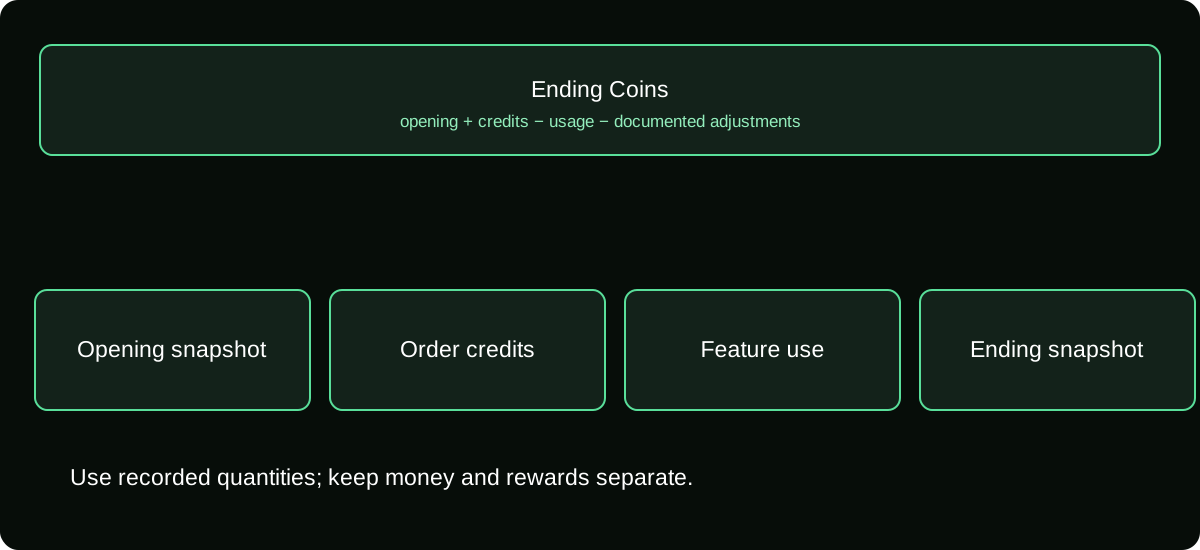
How to Check Your TikTok Coins Balance and Explain Any Difference
Find your TikTok Coin balance, distinguish it from LIVE rewards, and reconcile purchases and spending before assuming Coins have disappeared.
Trace purchases, check Coin activity and find the right route for a missing balance, failed payment or refund.
Balances & refundsFind your TikTok Coin balance, distinguish it from LIVE rewards, and reconcile purchases and spending before assuming Coins have disappeared.
 Balances & refunds
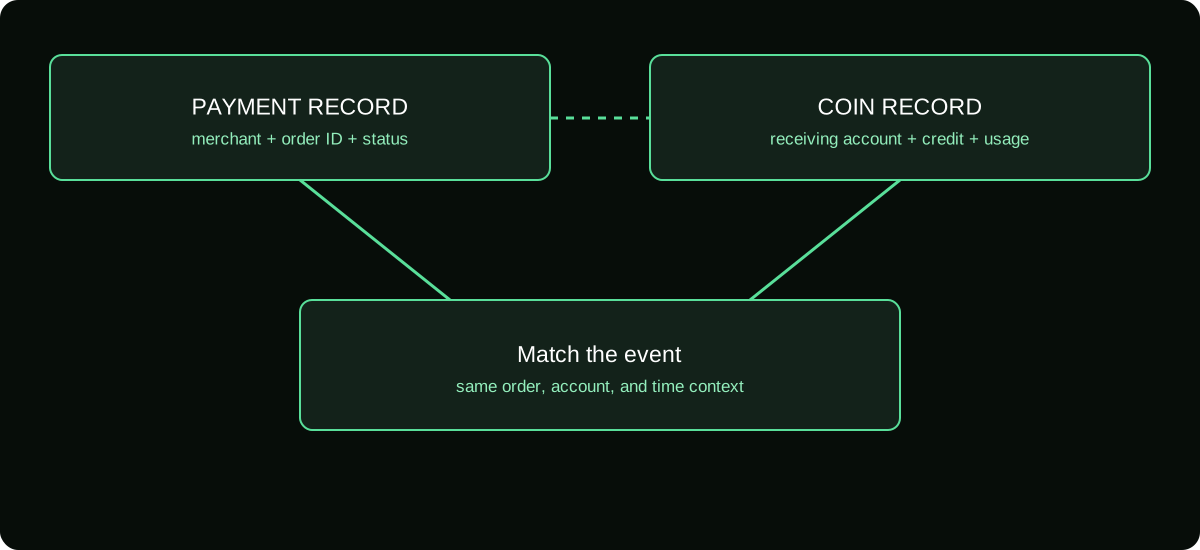
Find the records behind your TikTok Coin activity. Match purchase history, Coin usage, app-store receipts, and adjustments without counting the same payment twice.
 Balances & refunds
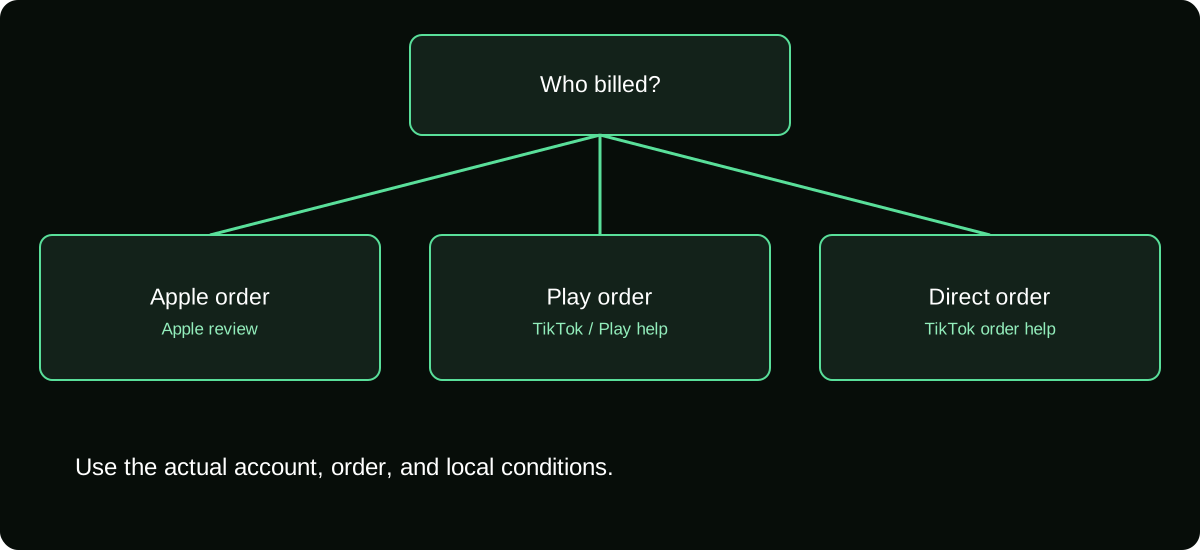
Request a TikTok Coins refund using the correct merchant and regional rules. Understand Apple, Google Play, direct purchases, pending payments, and evidence.
 Balances & refunds
Find out why TikTok Coin checkout failed. Separate eligibility, payment authentication, store restrictions, pending charges, and errors before another attempt.
 Balances & refunds
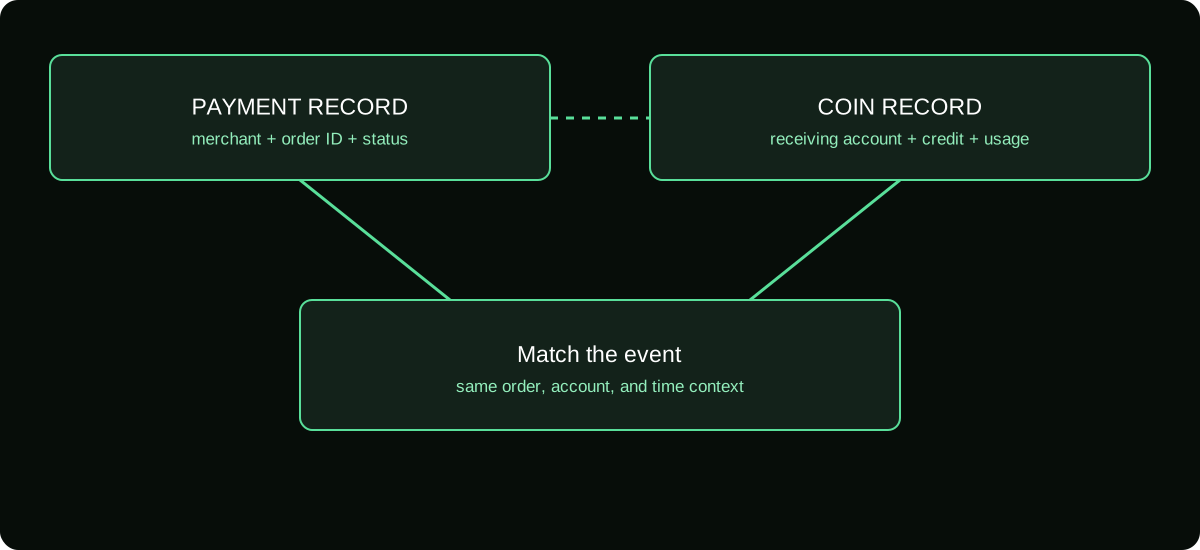
Resolve missing TikTok Coins after payment with an account and order check. Match posted charges, credited Coins, usage, and support evidence before paying again.
 Balances & refunds
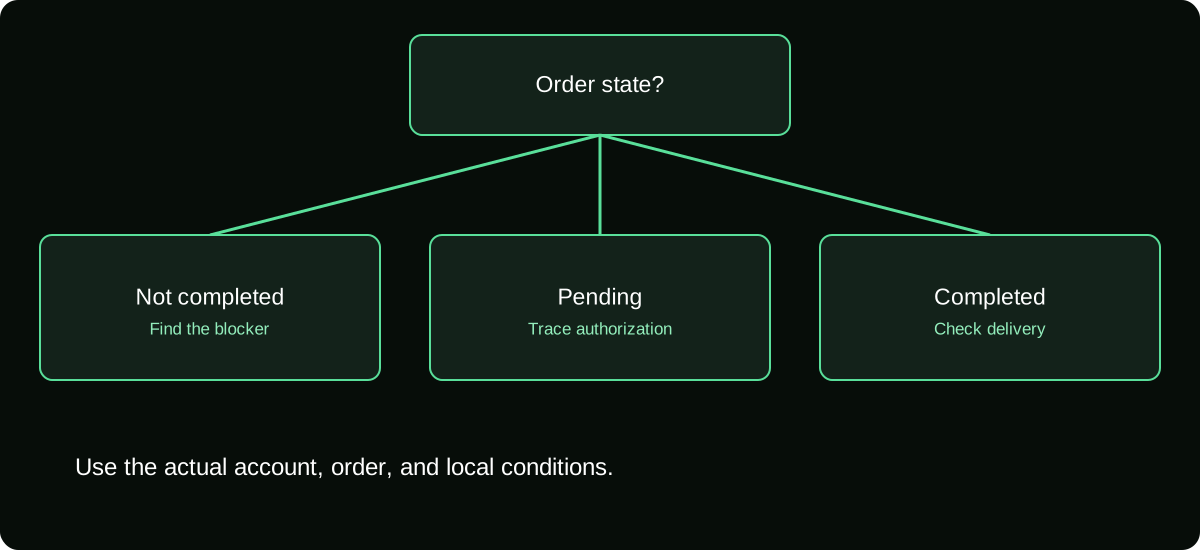
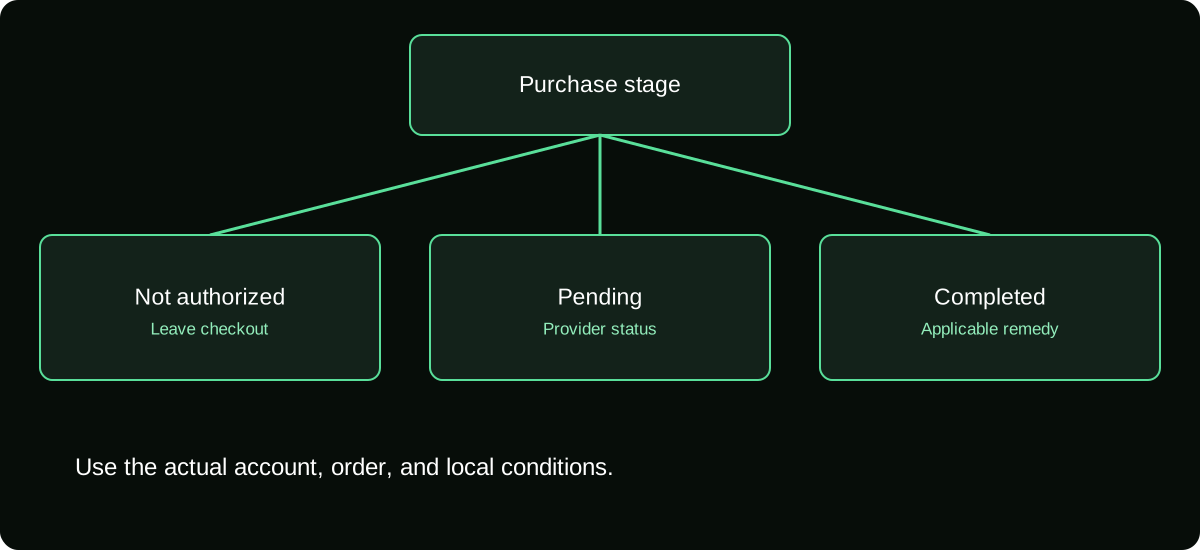
Find the right next step for an unconfirmed, pending, or completed TikTok Coin order. Avoid confusing one-time purchases with subscriptions or refunds.
Try a shorter term such as “refund” or “balance”, or choose All guides.